
In order to create a parent Observer account, or pair an already created Observer account with a student, you will need to generate a pairing code from within the student's account. Here are the steps for how to generate a pairing code:
- Login to your student's Canvas account using either of the following options:
- Go to Canvas on the student's school chromebook
- Or, login to your student's school gmail account on a personal device by following the instructions in one of the below articles:
- Once in your student's Canvas account, click on the "Account" icon and choose "Settings"

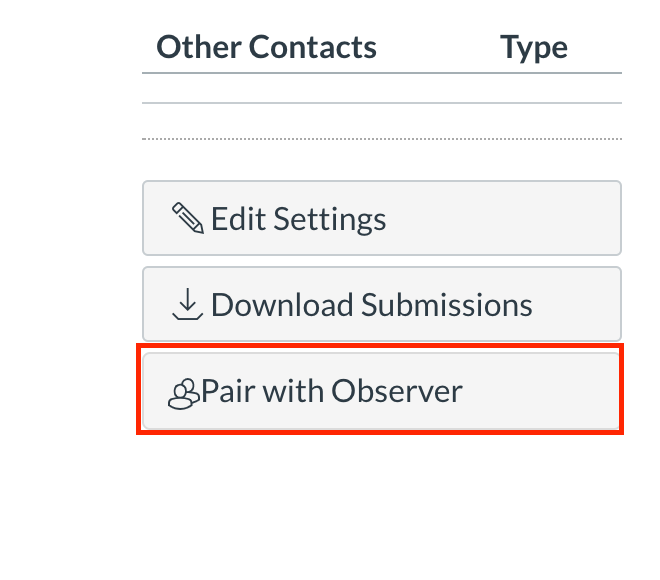
- Choose the "Pair with Observer" button on the far right of the page
- Copy or write down the pairing code, and click "Okay."
If you cannot find the "Pair with Observer" button, please refer to this article:
I can't find the Pair with Observer button
To finish the pairing process and link your student's account to your Observer account, follow along with the below guide article.
How do I set up my family Canvas Observer account for my student(s)?
If you're unable to successfully pair your observer account, you can check out our Observer Day in the Life course for a more in depth look into Observer Accounts.
Lastly, don't hesitate to reach out to our technical support team by following the advice in this guide article:
Comments
0 comments
Article is closed for comments.